 bussin
Zero-Proxy Architecture
Browser-Native Azure Service Bus Diagnostics
Bussin is designed from the ground up to operate entirely in your web browser. By bypassing standard server-side relays, the client establishes raw, cryptographically secure connections directly to your Azure Service Bus broker nodes using protocol-level encapsulation.
Under the Hood: Pure Browser Execution
Most web-based cloud explorers act as simple interfaces for a remote application server that stores your access keys and routes your data messages. Bussin eliminates this security hazard. The tool runs locally as a sandboxed client application inside your browser engine, leveraging modern web APIs to handle authentication, network framing, and message parsing.
WebAssembly & Rhea Client Engine
We compile high-performance message processing logic into WebAssembly, running alongside the Rhea AMQP 1.0 JavaScript protocol stack. This ensures rapid binary payload serialization and high-fidelity parsing of complex AMQP headers directly in the browser's V8 or WebKit VM.
Direct-to-Broker WebSocket Tunneling
Instead of relying on an intermediate proxy server, Bussin encapsulates raw AMQP 1.0 binary frames into secure WebSockets. Connections tunnel directly to the Azure Service Bus gateway via:
wss://<your-namespace>.servicebus.windows.net:443/$servicebus/websocket
This configuration completely bypasses native OS port limitations and firewall blocks.
MSAL.js Sandboxed Delegated Access
By integrating Microsoft Authentication Library (MSAL.js), Bussin handles authentication directly with Entra ID (Azure Active Directory). Access tokens are requested using OAuth 2.0 delegated consent scopes and stored only in volatile browser memory, securing credentials from leaks.
Core Capabilities & Diagnostic Workflows
Because processing power is distributed to your local CPU rather than shared among centralized server resources, Bussin handles heavy diagnostic workloads smoothly, maintaining high-density responsiveness even during high-throughput operations.
1. Sandboxed Local Memory Index Parsing
When you query large message volumes or dead-letter queues, Bussin downloads message headers and payloads directly into a secure, browser-isolated JavaScript array. This design permits rapid client-side filtering, keyword matching, and JSON/XML schema highlighting without triggering redundant broker reads or network transfer costs.
2. Local Preference Caching & Namespace Favorites
Bussin stores your operational preferences, UI layouts, and target namespace configurations locally within your browser's sandboxed localStorage. Cross-tenant folder structures and active directory bookmarks remain under your control and never traverse the open web.
Direct AMQP Frame Transfer Architecture
This diagram represents the isolated data path enforced by Bussin. Notice the complete absence of any third-party intermediate application server.
|
| (1) Authenticates directly with Microsoft Entra ID via MSAL.js
v
[ Microsoft Entra ID Token Endpoint ] (Retrieves ephemeral OAuth 2.0 Token)
|
| (2) Tunnels AMQP 1.0 binary frames inside HTTPS WebSockets
v
[ Azure Service Bus Gateway Namespace (Port 443) ]
Premium Desktop Integration without Installers
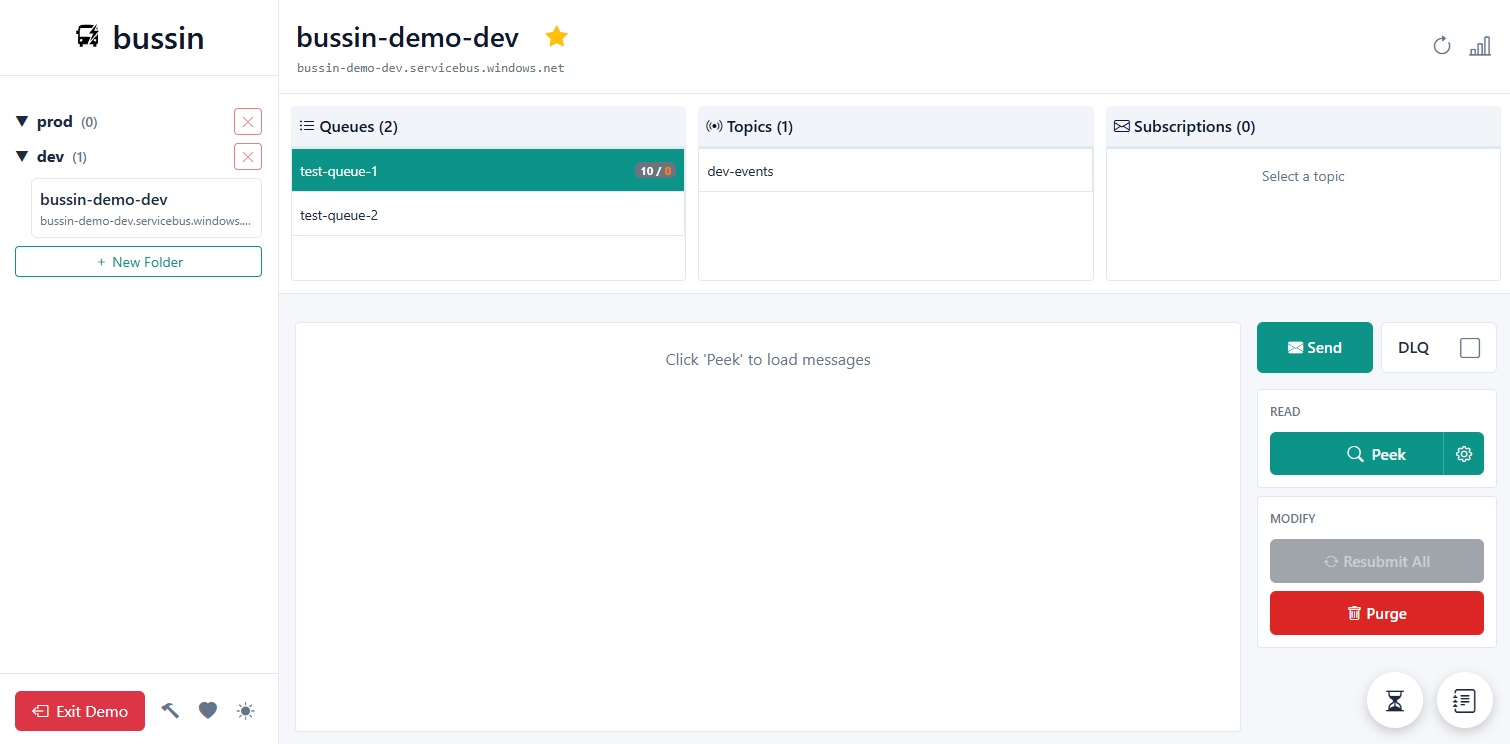
With Bussin, you get the robust features of an enterprise desktop administrative utility (like bulk DLQ resubmissions, active session lock tracking, and cross-tenant workspace management) packaged inside a secure, zero-installation static webpage. It loads instantly, updates automatically on release, and guarantees your enterprise data plane remains strictly isolated within your browser's security boundary.