 bussin
Browser-Based Service Bus Explorer
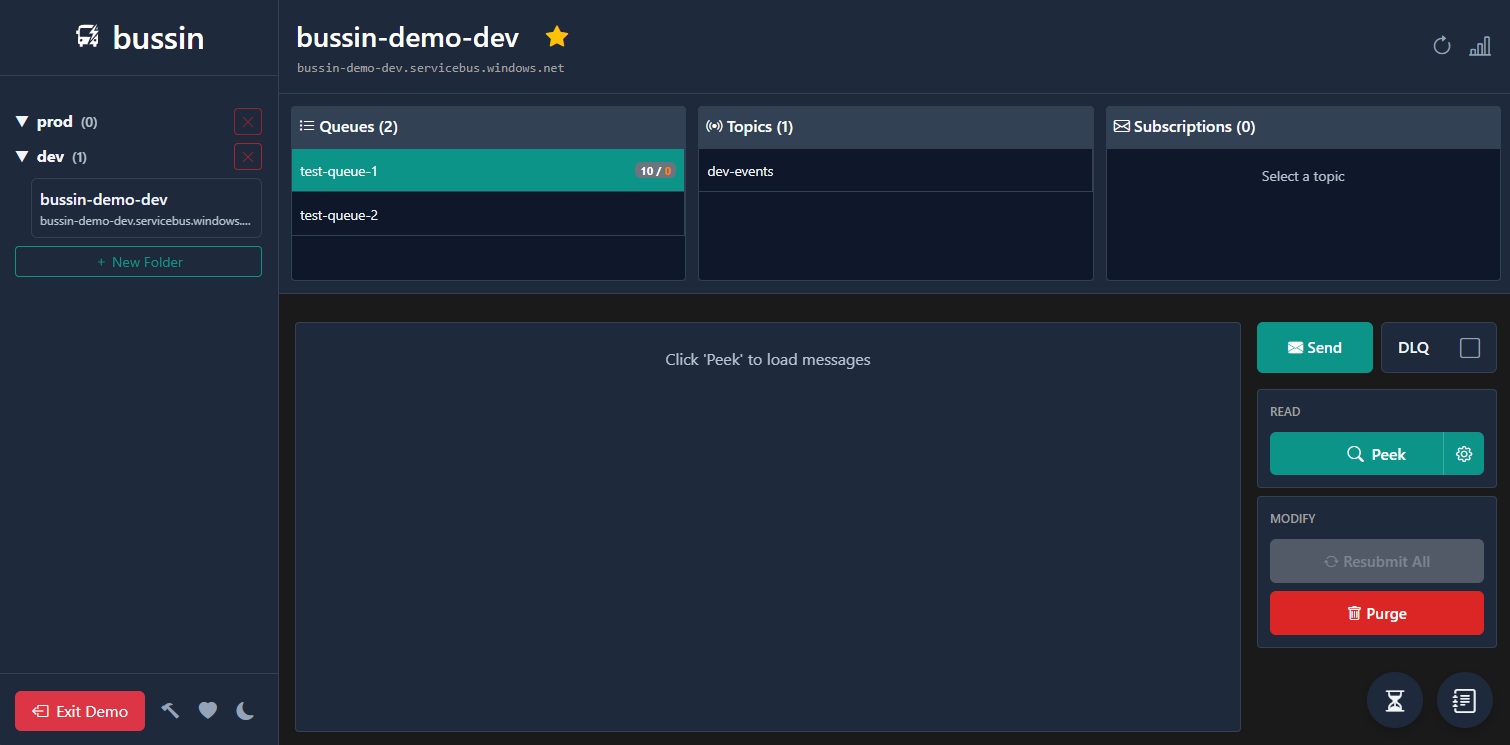
Bussin is a browser-native client for Azure Service Bus. By operating entirely within your browser's local sandbox, it delivers a secure administration dashboard without requiring native installation or third-party servers.
Why Choose a Browser-Based Tool?
Traditional messaging utilities often require downloading heavy desktop clients or configuring complex local runtimes. A browser-based approach provides complementary advantages for cloud developers:
Immediate Browser Startup
Navigate directly to the app URL, log in with your Entra ID credentials, and start peeking queues. There are no installer packages to download and no corporate security approvals required.
Cross-Platform Compatibility
Browser execution ensures that developers on macOS, Linux, and Windows have access to the exact same management interface. You can even run it as a Progressive Web App (PWA) for desktop integration.
Secured by Sandbox Isolation
Bussin runs within standard browser isolation boundaries. This prevents cross-origin resource sharing (CORS) access and keeps your connection settings secured locally on your own machine.
The Security of a Direct Connection
Many web-based administration tools function by routing your database credentials, SAS keys, or message payloads through their own intermediate backend API servers. This model poses significant data privacy risks and latency overhead.
Bussin is built differently:
- Direct to Broker: All network traffic flows exclusively between your browser process and your Azure Service Bus endpoints. We do not operate intermediate servers.
- Delegated Permissions: Authentication is handled using standard Microsoft Sign-In. Bussin cannot perform actions beyond what your Entra ID role is authorized to do.
- Local Memory Execution: Message headers, payloads, and search filters are stored strictly in your browser's volatile memory and disappear as soon as you close the tab.
To review the technical connection specs, check out our detailed Architecture and How It Works Guide.
How Proxy-Based Tools Differ
Most web-based administration tools for cloud services follow a standard pattern: your browser talks to the vendor's backend server, which then talks to your cloud provider on your behalf. This means:
- Credential Exposure: Your credentials or tokens pass through a third-party server that you don't control.
- Payload Transit: Your message payloads are decrypted and re-encrypted at the proxy layer, creating a potential data exposure surface.
- Vendor Dependency: The vendor's infrastructure becomes a single point of failure between you and your own cloud resources.
Bussin skips the proxy entirely. Your browser opens a direct AMQP 1.0 connection to Azure over WebSockets. The hosting server only serves the static HTML and WebAssembly files. After that, it is out of the loop.
What Runs in Your Browser
Bussin is a static web application composed of three client-side components:
MSAL.js
Handles Entra ID authentication and token lifecycle directly in the browser. Tokens never leave your local session.
Blazor WebAssembly
Renders the admin UI. The entire .NET runtime executes locally via WebAssembly, with no server-side rendering.
Rhea AMQP Engine
Pipes raw AMQP 1.0 frames over WebSockets to Azure Service Bus. This is the same wire protocol that native desktop clients use.
All three components run in your browser's security sandbox. Closing the tab destroys all state: tokens, messages, and search results.
Frequently Asked Questions
How can a web page talk to Azure Service Bus without a backend?
Over AMQP 1.0 on a secure WebSocket. The Service Bus data-plane REST endpoints send no CORS headers, so a browser page cannot call them at all, but WebSocket handshakes are not subject to CORS. Bussin opens a connection to wss://<namespace>.servicebus.windows.net:443/$servicebus/websocket and runs the AMQP protocol logic in your browser, authenticating through a Claims-Based Security handshake against the namespace's $cbs node. Namespace discovery is separate and goes through Azure Resource Manager over ordinary HTTPS, which does send CORS headers.
Is a browser-based Service Bus explorer less secure than a desktop one?
Not in this design, and in one respect it is safer. The usual worry about web tools is that they route your credentials and payloads through the vendor's backend. Bussin has no backend, so there is nothing in the middle to trust. bussin.dev serves static files and the data traffic goes browser to Azure. Your tokens and messages stay inside the browser's security sandbox, and closing the tab destroys them. Security has the specifics.
Does Bussin work behind a corporate proxy or VPN?
Usually. All traffic runs over port 443 as wss://, which most corporate proxies and VPNs pass without new firewall rules. The exception is a namespace reachable only through a private endpoint, where your browser has to run on a host inside that virtual network. The Azure Portal's own explorer has the same constraint.
Which browsers are supported?
Any modern browser with WebSocket and WebAssembly support: Chrome, Edge, Firefox, and Safari on desktop, and the mobile equivalents on iOS and Android. There is no Windows requirement and no runtime to install, which is the main reason people use it on macOS, Linux, and ChromeOS.
Can I install it as a desktop app instead of using a tab?
Yes. Bussin is installable as a Progressive Web App, which gives it its own window, a dock or taskbar icon, and no browser chrome, while still running the same client-side code. It is also listed in the Microsoft Store. Neither option adds a server to the path. The macOS and Linux guide covers installation.
Where are my namespaces and folders stored?
In your browser's local storage on your own machine. Folder layouts and pinned namespaces persist between sessions so you do not rebuild them each time. Message payloads, search results, and access tokens are held in memory only and are gone when the tab closes.
Why can a browser-based explorer not reach the local Service Bus emulator?
The emulator exposes no AMQP-over-WebSockets listener, and WebSockets are the only transport available to a browser page for reaching an AMQP broker. There is no workaround from inside a browser. Emulator work needs a desktop client such as Service Bus Explorer or QueueExplorer.
Related Guides
- Alternatives: Compare Bussin's capabilities against traditional utilities.
- Dead-Letter Queue: Understand how DLQs collect failed messages.
- macOS and Linux: Learn about PWA support on macOS and Linux.