 bussin
Features
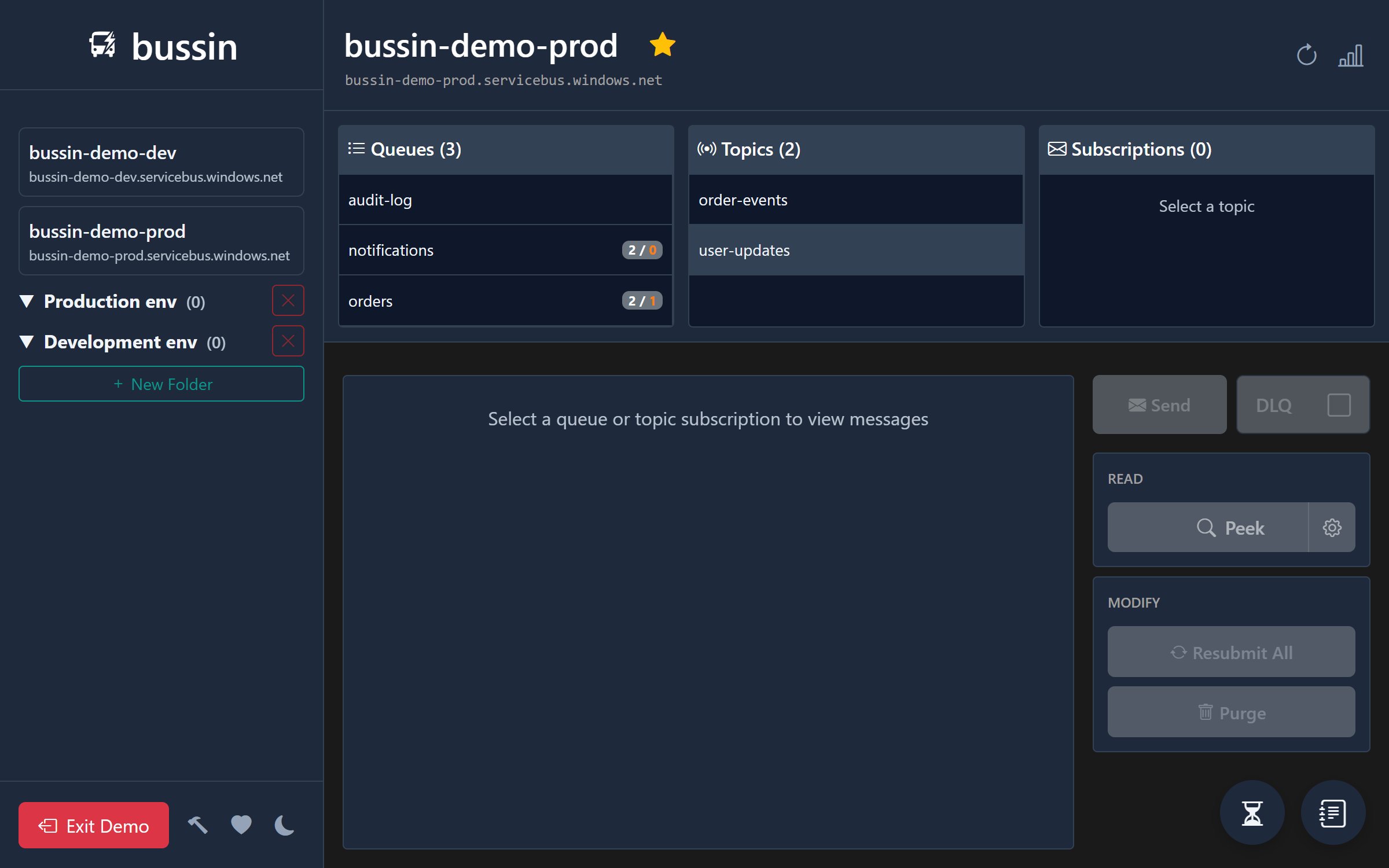
Bussin is designed to get you in, let you do what you need with your Azure Service Bus, and get out. Here is what you can do with it.
Browser-Native & No Installation
Bussin runs entirely in your browser as a static web application. There is no need to download binaries, configure local environments, or ask for administrator installation privileges. Just navigate to the site and connect.
Connection Strings & Entra ID SSO
Connect securely using Microsoft Entra ID (Azure AD) for single sign-on and namespace discovery. Alternatively, connect instantly using standard Azure Service Bus Connection Strings without signing in. This is especially useful for managing external, third-party, or partner Service Bus namespaces where you do not have Entra ID directory access.
Message Search and Peeking
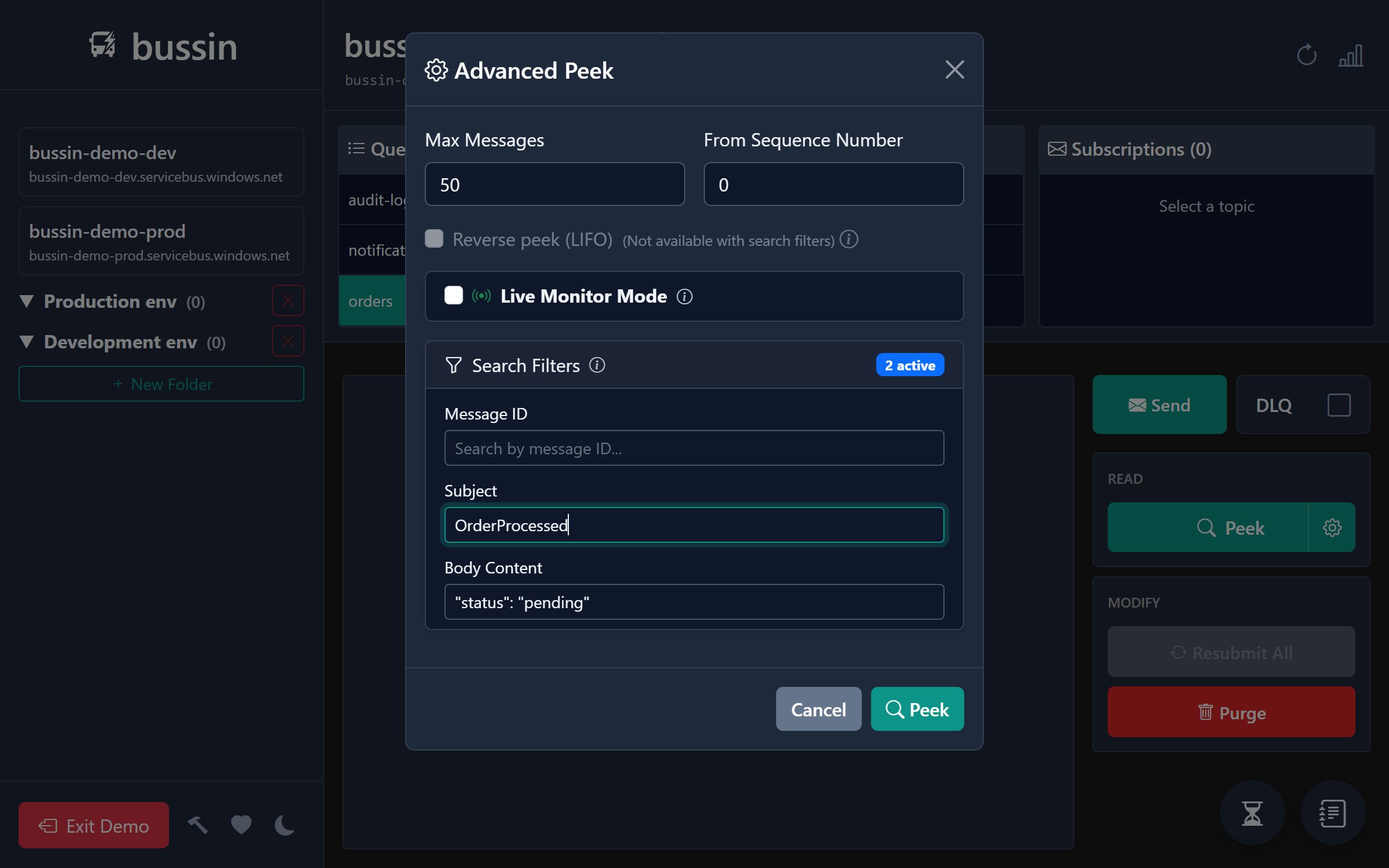
Read active or dead-letter messages without locking or deleting them from the broker. You can search through thousands of messages using property and body pattern matching inside your browser's memory.
Peek-Lock Settlement Support
Work with standard Service Bus lock states. Lock messages for inspection, then explicitly complete, abandon, or dead-letter them with full protocol compliance. Live countdowns display exactly when your locks will expire, and a single click renews the lease.
Session-Enabled Queue Support
Managing session-enabled FIFO queues and topic subscriptions can be complex. Unlike typical tools that force you to know and supply specific Session IDs in advance to even view messages, Bussin detects session-enabled entities automatically and allows you to peek messages across all active sessions directly. When executing bulk data operations (such as a full queue purge), Bussin automatically falls back to an optimized sequential session receiver loop—leasing and draining next-available sessions one-by-one—to clean out message data safely and reliably.
Dead-Letter Queue Browsing & Recovery
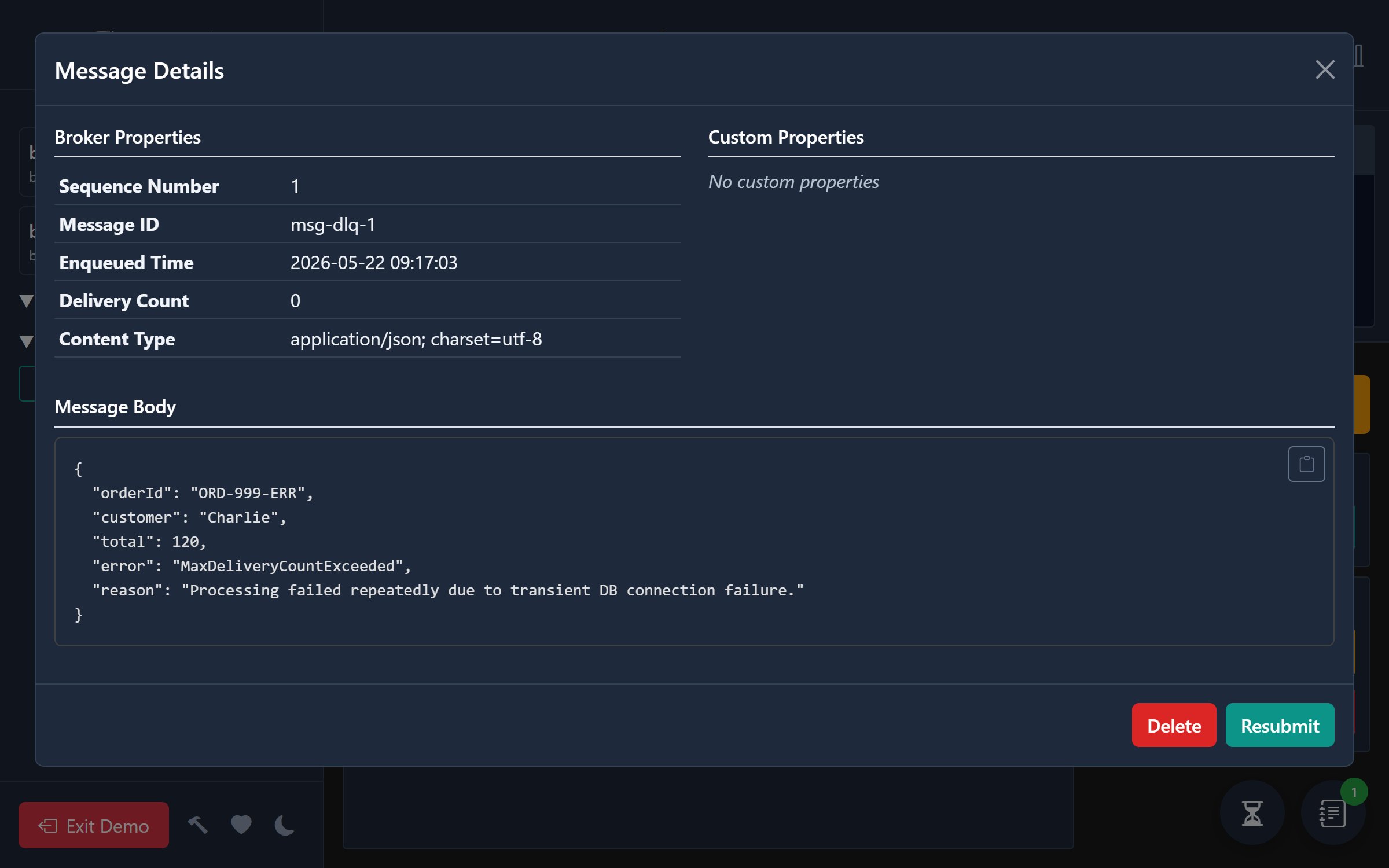
Browse failed messages in the DLQ, read the failure reasons (like MaxDeliveryCountExceeded or TTLExpiredException), and resubmit them back to their active queue individually or in batches using background tasks.
Inline Message Editing & Resubmission
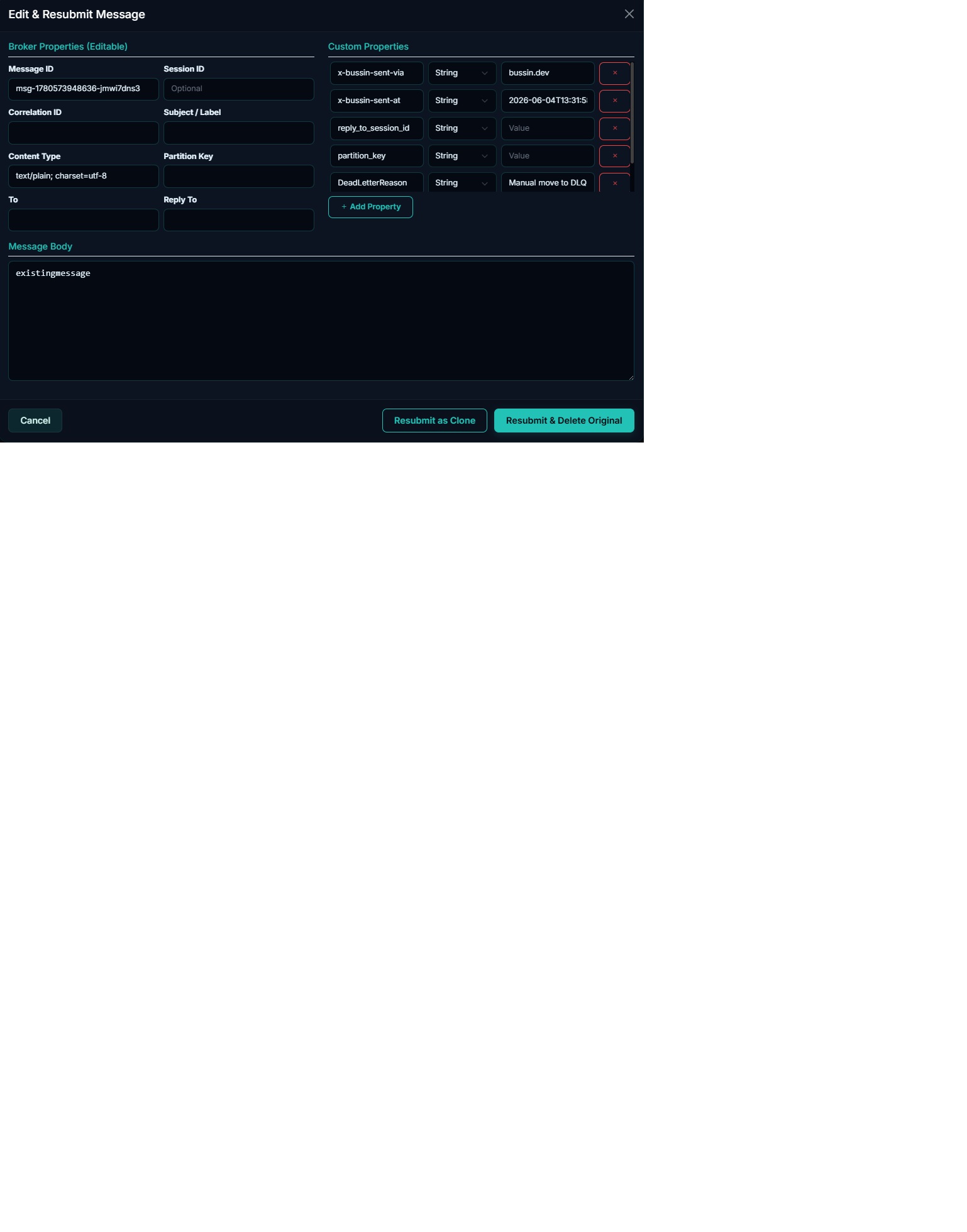
Need to fix a payload or modify message properties before re-submitting? Edit message bodies, adjust editable system headers (like Correlation ID, Content Type, or Session ID), and manage custom application properties directly in the UI. Choose to resubmit as a clone, or cleanly delete the original message from the queue or DLQ upon success.
JSON Export & Batch Uploads
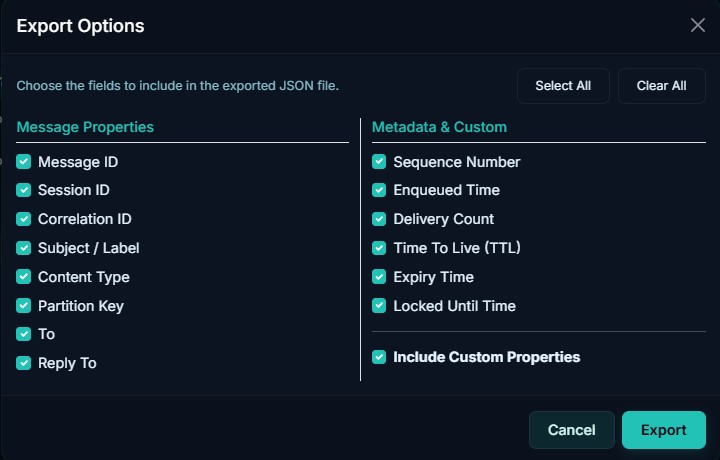
Download selected messages, loaded messages, or up to 10,000 messages from the active or dead-letter queue as a structured JSON file. An interactive export modal lets you pick exactly which broker properties and custom application headers to include. The exported JSON fits the batch-upload schema, making it easy to import and send those messages back later with metadata intact.
Background Operations
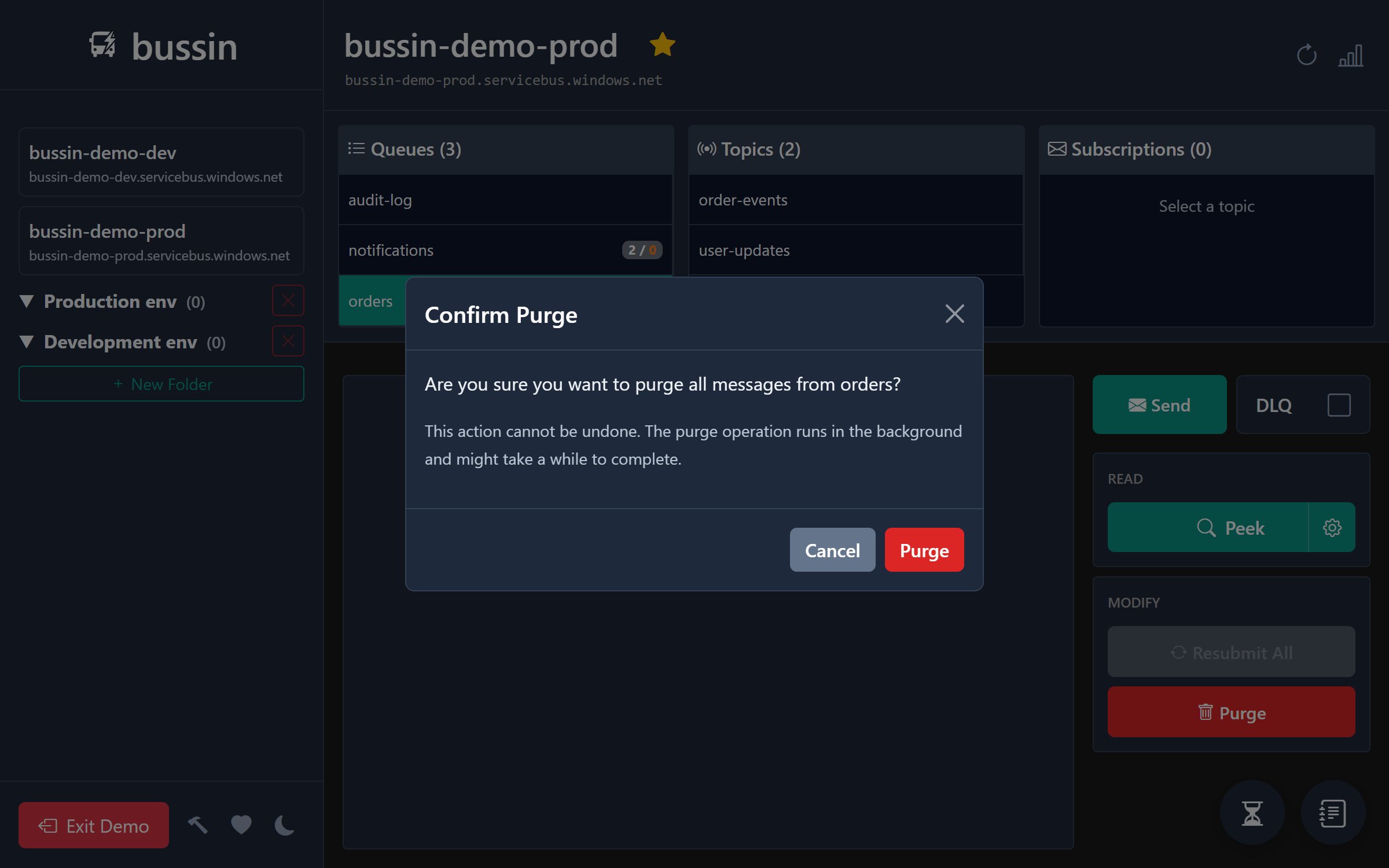
Start long-running actions (such as moving large message backlogs or purging queues) in the background. The user interface remains responsive while background tasks track and show progress.
Scheduled Message Cancellation
Bussin fully supports identifying and managing scheduled messages. In addition to seeing scheduled message counts and inspecting their properties (like scheduled enqueue times), you can cancel scheduled messages directly from the UI. Select scheduled messages from the list or within the details modal to cancel them in batches or individually before they are enqueued, avoiding accidental double-processing or unwanted message delivery.
Subscription Filter Management
Inspect, add, and remove subscription filters (rules) directly from the browser interface. You can view all active SQL and correlation filters on any topic subscription, create new SQL filters to route specific messages, or define correlation filters based on message headers—giving you complete control over message routing rules directly inside the app, with built-in safety warnings to alert you of potential message loss before saving changes.
Namespace Organization
Organize multiple Service Bus namespaces into nested folders. Pin favorite namespaces across different Microsoft Entra ID directories to switch contexts in milliseconds. All configurations are saved locally in your browser.